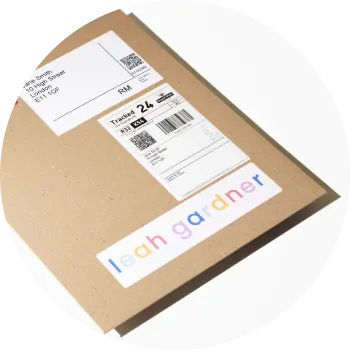
You can upload your branding details in the ‘Brand settings’ section in creativehub. Here is how:
- Click your profile icon in the top right corner
- Select ‘Art store settings’ from the drop down menu
- Select ‘Brand settings’ from the left hand side menu
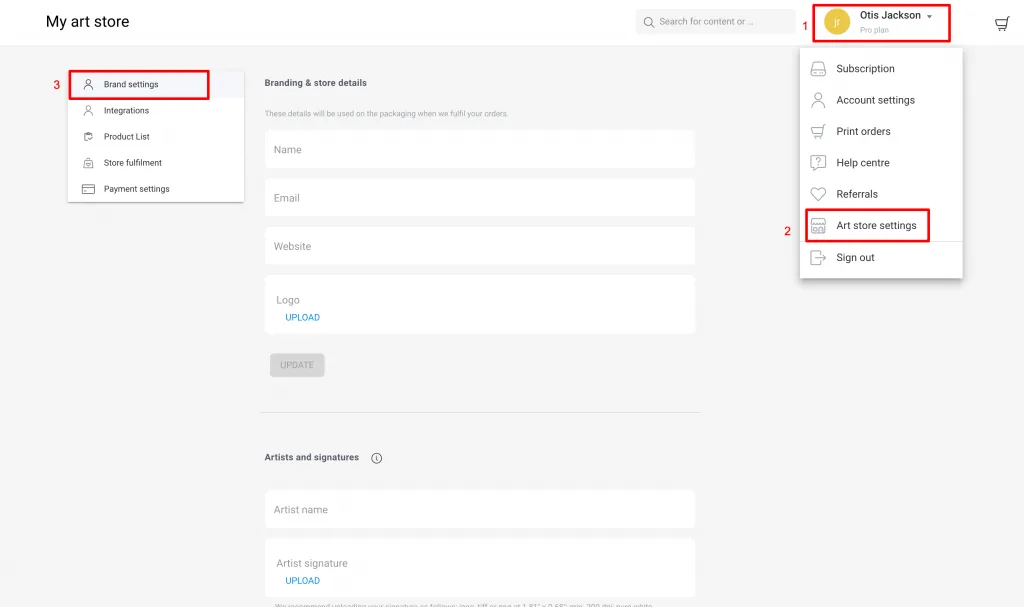
On this page you will find separate sections for:
- Creating an artist & uploading signatures (more here)
- Limited edition certificate branding (more here)
- Branding for packaging (more here)
- Custom inserts (more here).